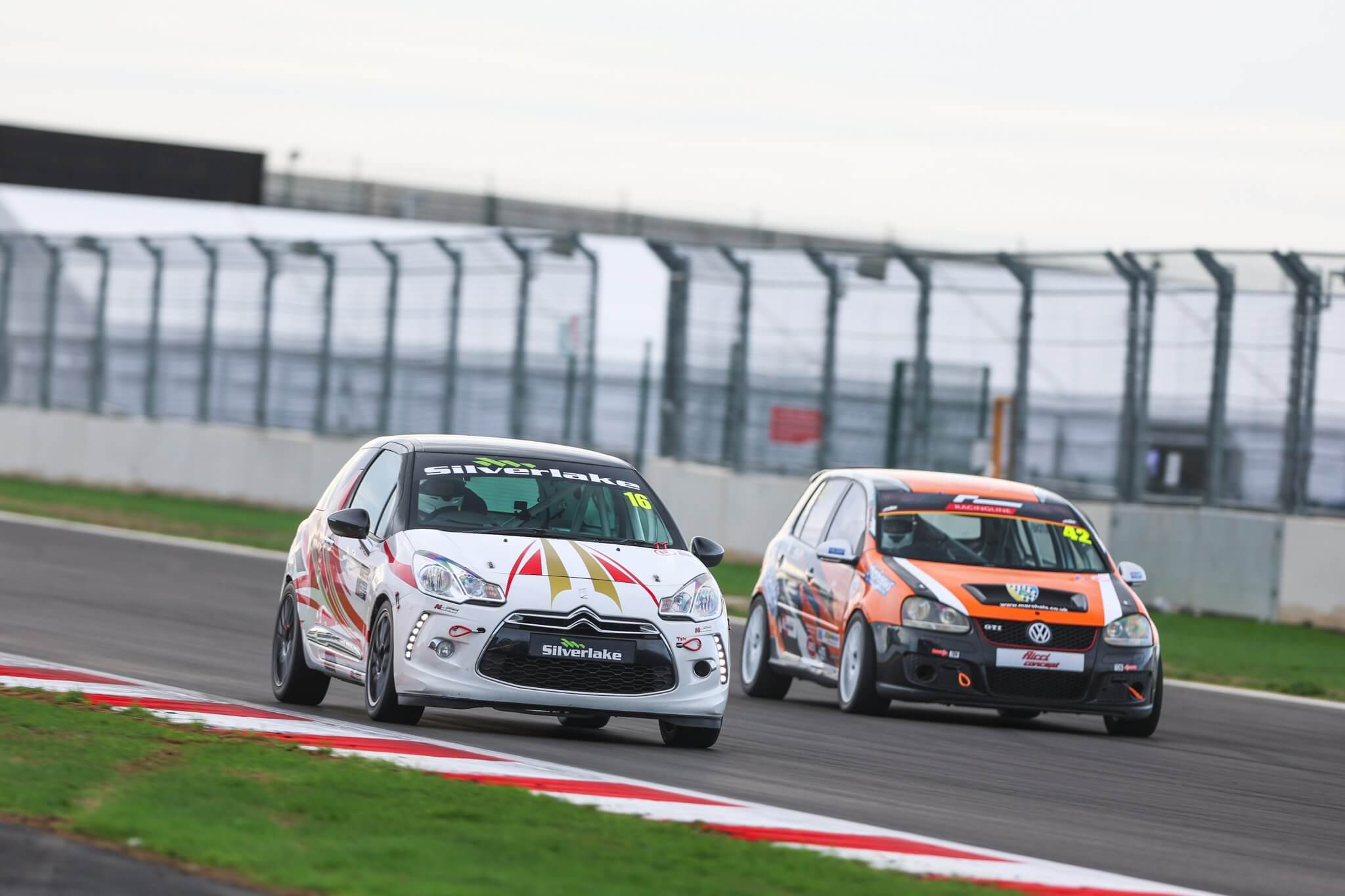
- Making motorsport happen, together
- The heart of UK motorsport
- One incredible community
- Safe, fair and fun for all
TOGETHER, WE MAKE MOTORSPORT HAPPEN
As a Motorsport UK licence holder, you’ll enjoy:
£100m Public Liability Insurance
at Motorsport UK Permitted Events*
Personal Accident cover
for eligible licence holders*
Exclusive member rewards
with discounts and offers
Training and guidance
to support your progression
Safeguarding and wellbeing
helping keep motorsport safe and welcoming
Resources and support
throughout your motorsport journey
we're here for you
Whether you're preparing for your first event, chasing your next personal best or looking forward to another season of competition, we're here to support you.Your passion, dedication and enthusiasm help make motorsport what it is. By renewing your competition licence for 2027, you're getting ready for another year of being part of the action.
- JOIN. RENEW. GET INVOLVED
- NEED SUPPORT? OUR MEMBER SERVICES TEAM ARE JUST A CALL OR EMAIL AWAY
- 01753765000
- [email protected]
Helping you Get ahead

Stay in the know
Where do I find the main menu on my profile?
On a desktop: Select ‘View Profile’ from your account dashboard. You’ll find the main menu on the left-hand side of the screen.
On a mobile device: Select ‘View Profile’ from your account dashboard. You’ll then see a drop-down menu at the top of the page.
Where can I add or change my photo?
You can add or update your profile photo by selecting ‘View Profile’ from your account dashboard, followed by ‘Edit Profile’.
Please make sure your photo is a passport-style headshot, with no obstructions such as hats or sunglasses.
My licence is listed as 'Current'. How do I renew it?
You can renew a ‘Current’ licence in the same way as a ‘Lapsed’ licence.
Simply select the green ‘Current’ icon next to your licence grade to start your renewal.
Why is my licence type greyed out?
If your chosen licence type is greyed out or can’t be selected when you start your renewal, it means there’s something you need to complete first.
In most cases, this will be your Medical Self-Declaration. Head to ‘Medical Documentation’ in your profile’s main menu to check that your medical documents are up to date.
Do I need to enter a registered club?
We’d love to know which club you’re a member of, but it’s completely fine if you’d prefer not to share this information or haven’t joined a club yet.
Simply open the drop-down menu and select ‘Not Affiliated’.
Where can I check the status of my previous medical items?
You can view your Medical Self-Declaration and any relevant medical reports by selecting ‘Medical Documentation’ from your profile menu.
You can also upload new medical reports here.
Do I need a medical report, vision test or ECG?
You can check the status of your Medical Report, Vision Test and ECG in the ‘Medical Documentation’ section of your profile.
Each will be marked as either ‘Current’ or ‘Lapsed’.
Remember: Even if all your medical reports are marked as ‘Current’, you’ll still need to update your Medical Self-Declaration when renewing your licence.
How do I upload a new medical document?
Head to ‘Medical Documentation’ in your profile and select the blue ‘+Add Medical Documentation’ button at the top of the page to upload your new document.
Once you’ve uploaded it, our team will need to review and approve your submission. We’ll let you know by email when it’s been approved, and you can then continue with your online renewal.
When will I receive my new digital licence?
Your new digital licence will be issued automatically a few days before the start of the new year.
You’ll receive a follow-up email with your digital licence e-pass attached. Physical licences will be sent immediately.
I need to upgrade my licence. What do I do?
If you’re looking to upgrade your competition licence, please email [email protected] with your name, licence number and the licence grade you’d like to upgrade to.
You’ll also need to provide evidence of your results. You can either attach a copy of your signed upgrade card or include individual links to your online results sheets.
Please avoid sending screenshots, as these can sometimes cut off important information.
Once we’ve verified your results, we’ll confirm whether you’re eligible for the new licence and ask you to provide payment or a completed application form.
I'm a foreign national. Do I need to provide my ASN authorisation again?
Yes, you’ll need to provide your ASN authorisation each year, as this is currently an annual requirement.
You can contact your home ASN directly, or send Motorsport UK an up-to-date proof of residency document so we can request the authorisation on your behalf.